[Unity asset · Asset Store · Coming soon]
Native File Dialogs for Unity
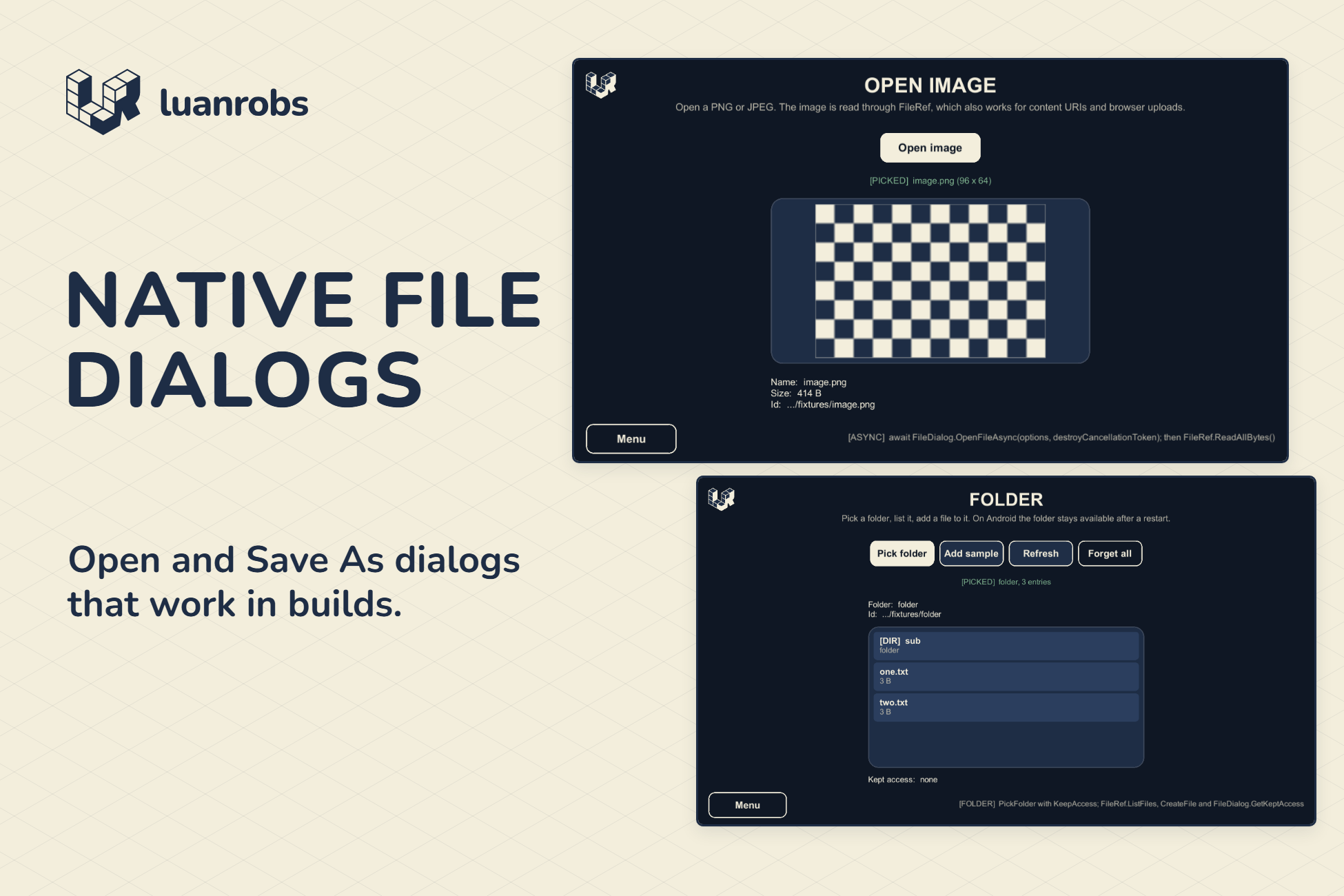
Open, Save As and folder dialogs from one C# call, with a callback or await. The result is a FileRef that reads and writes the same way whether it is a Windows path, an Android content URI or a file uploaded in a browser.
Unity 6000.0.84f1+
This opens your email app. If nothing opens, write to luanrobs@gmail.com. I will reply once, on launch day. I will not add you to a list.
QUICK START
using Luanrobs.Files;
using UnityEngine;

public class OpenImage : MonoBehaviour
{
    public async void Pick()
    {
        var options = new FileDialogOptions { Title = "Open image" };
        options.AddFilter(FileFilter.Images);

        FileDialogResult result = await FileDialog.OpenFileAsync(options, destroyCancellationToken);

        if (result.IsPicked)
        {
            byte[] bytes = result.File.ReadAllBytes();
            Debug.Log(result.File.Name + ": " + bytes.Length + " bytes");
        }
        else if (!result.IsCancelled)
        {
            Debug.LogWarning(result.Error + ": " + result.Message);
        }
    }
}
PLATFORMS
| Platform | What happens | Notes |
|---|---|---|
| Windows player and Editor | Common Item Dialog through LuanrobsFileDialogs.dll |
All requests. Title, filters, start folder, FilterIndex and cancel by code. No kept access. |
| Android | Storage Access Framework, started from a headless fragment | All requests. The game is paused while the picker is in front. No title. Filters work by MIME type. |
| WebGL | Browser file chooser and download | OpenFile, OpenFiles and SaveBytes only. Open needs a click or key press. |
| Editor on macOS or Linux | EditorUtility panels |
One file for OpenFiles. Not verified. In batch mode it fails with NotSupported. |
| macOS, iOS and Linux players | None | NotSupported. |
WHAT IT DOES NOT DO
Windows: x64 only. Exclusive fullscreen is refused (
ExclusiveFullscreen); use borderless fullscreen or a window. With Run In Background off, Unity pauses while the dialog has focus.Android: results are content URIs, not paths.
Cancelis best effort while the picker is in front. WithoutKeepAccess, access lasts only while the game's Activity lives.WebGL: no Save As destination (
SaveFile) and no folder picker (PickFolder); both fail withNotSupported.CancellationTokenSource.CancelAfterdoes not run there; cancel from a button instead. A cancel ends the request, but the browser's chooser may stay on screen.One request at a time. A second call gets
Busyand the open dialog is not disturbed.A request still open when Play mode ends, the domain reloads or the app quits gets no result.
Picked files are read whole. In WebGL they are held in memory once (
ReadAllBytesmakes one more copy); a pick larger than the memory the build can still use fails at once withPlatformError.
WHAT IS IN THE PACKAGE
The C# runtime (
Luanrobs.Files), a Java.androidliband a.jslib, all as source.The Windows DLL, with its C++ source and build script in
Native~/Windows(rebuild withbuild.bat).No third-party code. See
Third-Party Notices.txt.
SUPPORT
I answer the support email myself, in English or Portuguese: luanrobs@gmail.com
To reproduce a problem I need: Unity version, package version, platform and OS version, the Console log, and the steps to reproduce it.
Purchases, licenses and refunds are handled by the Unity Asset Store.
HOW IT WAS BUILT
This package was developed with the assistance of generative AI tools.
The code, the tests, the documentation and the sample content were generated with Claude (through Claude Code) under my direction, then run and tested as listed under "What was tested".
luanrobs is one developer: me. If something doesn't work for you, email me and I'll do my best to fix it.
CHANGELOG
1.0.0 · 2026-10-21
FileDialog.OpenFile,OpenFiles,SaveFile,SaveBytesandPickFolder, each with a callback form and anAwaitableform (OpenFileAsyncand so on) that takes aCancellationToken.FileDialog.Cancel,IsBusy,IsSupportedandFeatures(aFileDialogFeaturesflag set that says what the current platform can do).FileDialogOptions:Title,Filters,StartFolder,FileName,DefaultExtension,ConfirmOverwrite,KeepAccess.FileFilterwith ready-madeImages,Text,Json,Csv,PdfandAllFiles.