[Unity asset · Asset Store · Coming soon]
Screen Reader for uGUI
Add one component to a Canvas and the package builds, from your uGUI menu, the accessibility hierarchy that the platform screen reader reads.
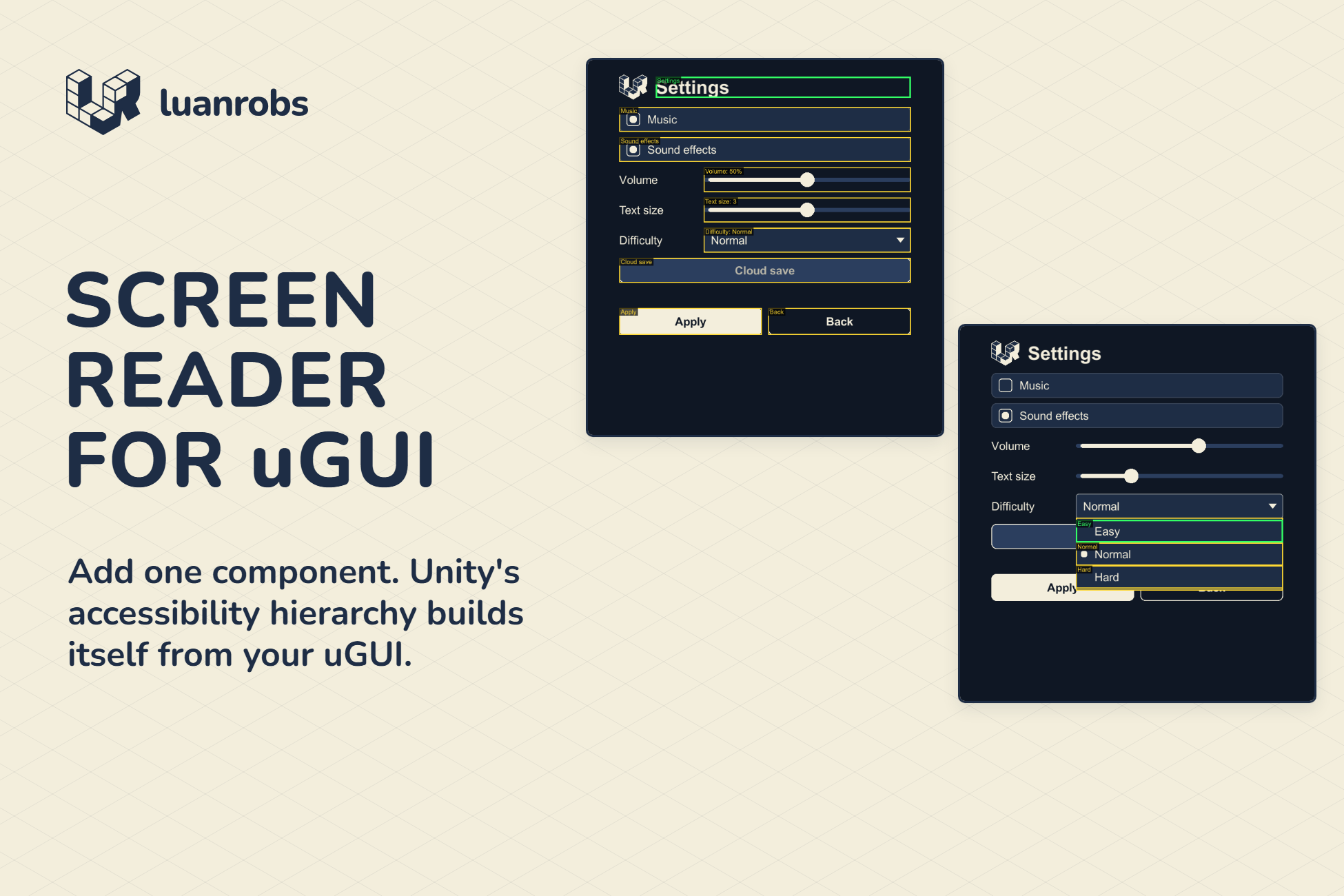
Unity's Accessibility module gives you the API for an accessibility hierarchy, but it does not build one from your scene. Screen Reader for uGUI is that missing layer: an AccessibleCanvas on a Canvas builds Unity's own AccessibilityHierarchy from your buttons, toggles, sliders, scrollbars, dropdowns, input fields, texts and scroll views (Unity Text and TextMeshPro), keeps it in sync while the menu changes, and maps the reader's actions back to the controls.
Unity 6000.0.84f1+
This opens your email app. If nothing opens, write to luanrobs@gmail.com. I will reply once, on launch day. I will not add you to a list.
QUICK START
using Luanrobs.A11y;
using UnityEngine;

public class SaveButton : MonoBehaviour
{
    public void Save()
    {
        // ... save ...
        UguiScreenReader.Announce("Settings saved");
    }
}
WHICH SCREEN READERS, BY UNITY VERSION
| Platform | Unity 6000.0 | Unity 6000.3 |
|---|---|---|
| Android, TalkBack | Supported by Unity's module | Supported by Unity's module |
| iOS, VoiceOver | Supported by Unity's module | Supported by Unity's module |
| Windows, Narrator | Not supported: nothing is published | Supported by Unity's module |
| macOS, VoiceOver | Not supported: nothing is published | Supported by Unity's module |
| WebGL, Linux, consoles | Not supported by Unity's module | Not supported by Unity's module |
On a platform Unity does not support, the package builds nothing for the reader, but snapshots and the simulator still work on the hierarchy it builds.
TESTED ON
| What | Status |
|---|---|
| Unity 6000.3.12f1 and 6000.0.84f1, Windows Editor | On 6000.3.12f1 all 284 EditMode and 67 PlayMode tests pass. On 6000.0.84f1, 281 EditMode and 65 PlayMode tests pass, and 1 is skipped because the API it drives exists only in 6000.3. Both also in new projects that installed the package from its .tgz file, where three Play sessions in a row with Domain Reload disabled kept the same state. |
| Windows players, Mono and IL2CPP, Unity 6000.3.12f1 | A test driver walked the five demo scenes through the simulator and passed, and a Windows UI Automation check found the nodes with the expected names, control types and positions. Narrator was not started. |
| Windows player, Mono, Unity 6000.0.84f1 | The test driver passed. Unity's module does not publish on Windows in 6000.0, so nothing reached UI Automation. |
| Android emulator (x86_64, Android 36) | With TalkBack on, the test driver passed on Unity 6000.3.12f1 and 6000.0.84f1, and the package reported the hierarchy as published. |
| iOS, macOS, WebGL, Linux, consoles | Not run. Unity's API supports iOS and macOS, but they were not tested. |
| Physical devices, other screen readers | Not run. |
What the Android run does not show:
- TalkBack speech and gestures were not tested. Nobody listened to TalkBack and no touch gesture was sent to it.
uiautomatorlisted only the activity's own views and none of Unity's nodes, so that the package's nodes reach Android's accessibility tree was not observed. What was checked is Unity's side: the package reported the hierarchy as published and the reader as on.
The manual lists every run.
Tested with version 1.0.0
WHAT IT DOES NOT DO
The package does not speak. With no screen reader running, nothing is heard; the simulator and snapshots are for checks.
Text that changes on screen is not announced (no live regions). Use
UguiScreenReader.Announce.Only scopes with an
AccessibleCanvasare seen by the reader.Before Unity 6000.3 there is no scroll gesture from the reader and no Expanded state.
UI Toolkit, other UI frameworks, text-to-speech without a reader, subtitles, colour filters and right-to-left text shaping are not included.
SUPPORT
I answer the support email myself, in English or Portuguese: luanrobs@gmail.com
To reproduce a problem I need: Unity version, package version, platform and OS version, the Console log, and the steps to reproduce it.
Purchases, licenses and refunds are handled by the Unity Asset Store.
HOW IT WAS BUILT
This package was developed with the assistance of generative AI tools.
The code, the tests, the documentation and the sample content were generated with Claude (through Claude Code) under my direction, then run and tested as listed under "What was tested".
luanrobs is one developer: me. If something doesn't work for you, email me and I'll do my best to fix it.
CHANGELOG
1.0.0 · 2026-10-21
AccessibleCanvas(Add Component > luanrobs > Accessible Canvas): a scope that builds Unity'sAccessibilityHierarchyfrom the uGUI controls under it and keeps it in sync. Options: reading order (Layout or Hierarchy), right-to-left rows, row tolerance, Modal, scope order, sync selection, follow selection, infer nearby labels, hide transparent, announce on enable and update interval. Scopes can be nested.- Automatic mapping of Button, Toggle, Slider, Scrollbar, Dropdown, TMP_Dropdown, InputField, TMP_InputField, Text, TMP_Text, ScrollRect, other Selectables and Images that have a label, with roles, labels, values, states and actions derived from the components. Slider, scrollbar, dropdown and input field without a label of their own take the text read just before them (in a form with captions above the fields, the caption of their own column), or the input field's placeholder.
AccessibleElement(Add Component > luanrobs > Accessible Element): overrides for exposure (Default, Hidden, Group, Container), role, label, label source, hint, value, reading order, increment step and extra actions, withOnActivate,OnIncrement,OnDecrement,OnDismissandOnFocusChangedevents andLabelProvider,ValueProviderandHintProviderdelegates (NotifyChanged()after a provider's result changes).