[Unity asset · Asset Store · Coming soon]
Text to Speech for Unity
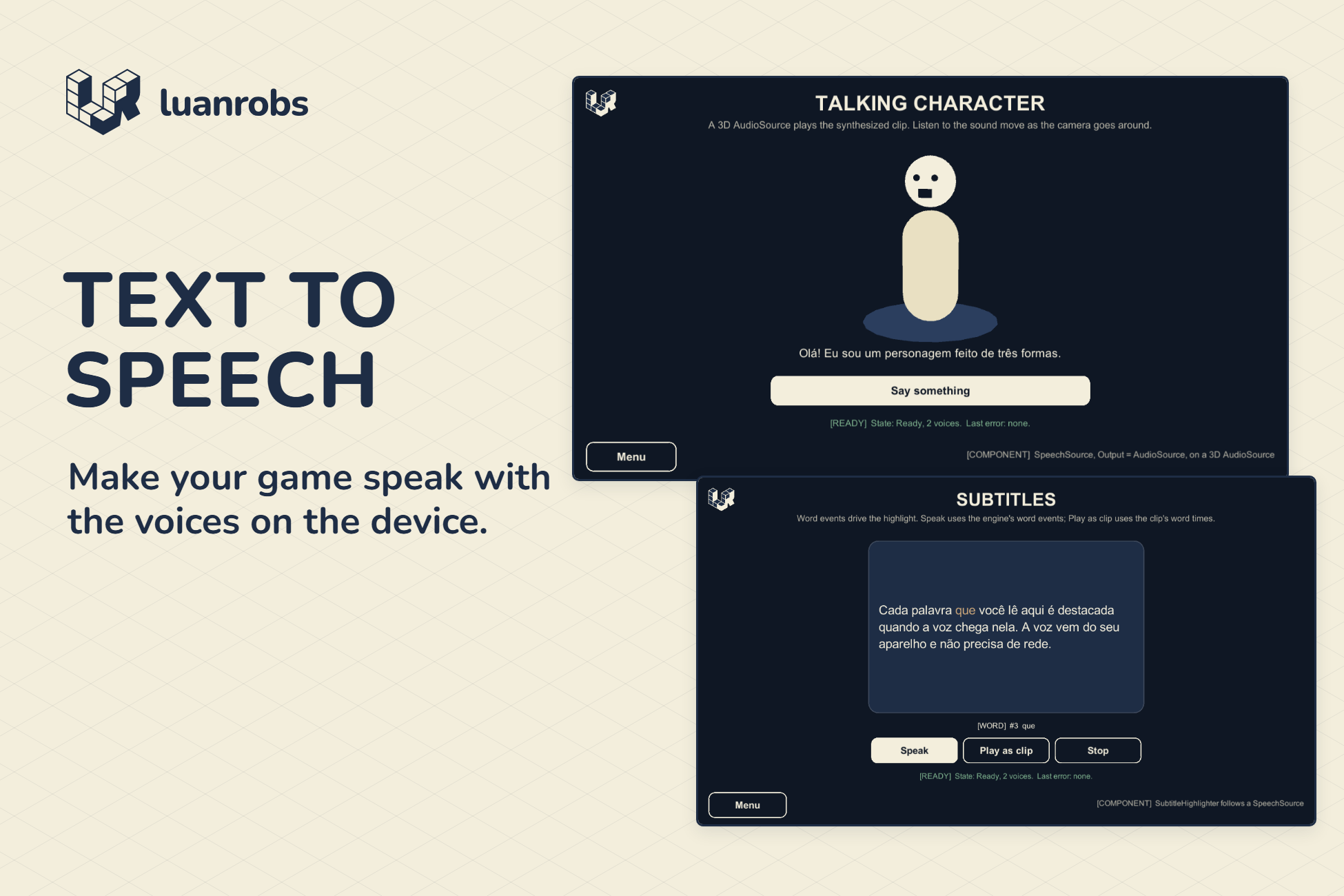
Make your game speak with the voices already on the device. One C# API speaks text directly or renders it to an AudioClip you can place in 3D, with word events for subtitles and highlighting.
Unity 6000.0.84f1+
This opens your email app. If nothing opens, write to luanrobs@gmail.com. I will reply once, on launch day. I will not add you to a list.
QUICK START
using Luanrobs.Speech;
using UnityEngine;

public class SayHello : MonoBehaviour
{
    private void Start()
    {
        // The engine starts on the first call; the request waits until it is ready.
        TextToSpeech.Speak("Hello from the voices on this device.");
    }
}
TESTED ON
| Platform | Status |
|---|---|
| Windows Editor, Unity 6000.3.12f1 and 6000.0.84f1 | All 281 EditMode and 21 PlayMode tests pass on both, also in new projects that installed the package from its .tgz file with the Demo sample. Three Play sessions with Domain Reload disabled passed on 6000.3.12f1. |
| Windows 11 players, Mono and IL2CPP | A test driver walked the five demo scenes, synthesized speech with both installed voices and passed: Mono on both Unity versions, IL2CPP on 6000.3.12f1. |
| Android emulators, IL2CPP | API 26 (Unity 6000.0.84f1 build) and API 36 (Unity 6000.3.12f1 build), with Google's speech engine: the test driver walked the five scenes and passed, the subtitles scene raised word events, and a request that lost the engine ended with EngineError and the next one completed. |
| Windows 10 | not run |
| Windows with an English or other non-pt-BR voice | not run |
| Android API 23 to 25, ARM64 devices | not run |
| Android physical device, Android engines other than the emulator's | not run |
| Other platforms (macOS, Linux, iOS, WebGL and the rest) | not run |
Tested with version 1.0.0
WHAT IT DOES NOT DO
Windows and Android only. iOS, macOS, Linux, WebGL, 32-bit Windows and ARM64 Windows report
NotSupported.Offline voices only. No cloud, neural or online voices, and no voice is bundled or downloaded. A language may be missing on a device; handle
LanguageNotAvailable,VoiceNotInstalledandNoEngine.SSML works on Windows only; on Android the request fails with
SsmlNotSupported.Speakplays through the operating system. Unity'sAudioListenervolume, pause and mixers do not apply to it; useSynthesizeand anAudioSourcefor that.Not included: speech recognition, lip-sync or visemes, streaming synthesis (the clip is rendered first), pause and resume, a voice list window in the Editor.
WHAT IS IN THE PACKAGE
C# source of the runtime and the Editor tools, with EditMode and PlayMode tests.
Java source of the Android bridge (
Runtime/Plugins/Android/LuanrobsSpeech.androidlib), compiled by Unity with Gradle.The prebuilt Windows DLL (
Runtime/Plugins/Windows/x86_64/LuanrobsSpeech.dll) and its C++ source with a build script inNative~/Windows.The Demo sample: five scenes.
The manual, as Markdown.
There is no voice, audio file, shader, font or third-party code. The compiled DLL contains Microsoft's C/C++ runtime and C++/WinRT header code, listed in
Third-Party Notices.txt.
SUPPORT
I answer the support email myself, in English or Portuguese: luanrobs@gmail.com
To reproduce a problem I need: Unity version, package version, platform and OS version, the Console log, and the steps to reproduce it.
Purchases, licenses and refunds are handled by the Unity Asset Store.
HOW IT WAS BUILT
This package was developed with the assistance of generative AI tools.
The code, the tests, the documentation and the sample content were generated with Claude (through Claude Code) under my direction, then run and tested as listed under "What was tested".
luanrobs is one developer: me. If something doesn't work for you, email me and I'll do my best to fix it.
CHANGELOG
1.0.0 · 2026-10-21
TextToSpeech(namespaceLuanrobs.Speech): a static API over the speech engine of the platform. Initialization is asynchronous and starts on the first request:State,IsReady,Initialized,InitializationFailed, a timeout (DefaultTimeout, 10 s) and a clear error when the device has no engine.- Voices:
Voices,GetVoices(offlineOnly),GetVoices(language, offlineOnly),DefaultVoiceandResolveVoice. ASpeechVoicehas an id, a name, a BCP-47 language, a gender where the platform reports one, and installed and network flags. Offline voices only by default; choice by id or by language with a fixed fallback order. Speak: the platform plays the text. A queue withSpeechQueueMode.EnqueueandInterrupt;Stop,StopAllandSpeechUtterance.Cancel;IsSpeakingandIsBusy.